Hover any image to preview it full-size. No tracking.
Stop squinting at thumbnails.
ImgPeek shows the full-resolution version of any image you hover over — no clicks, no waiting. Built for the web's seventeen most common CDNs out of the box.
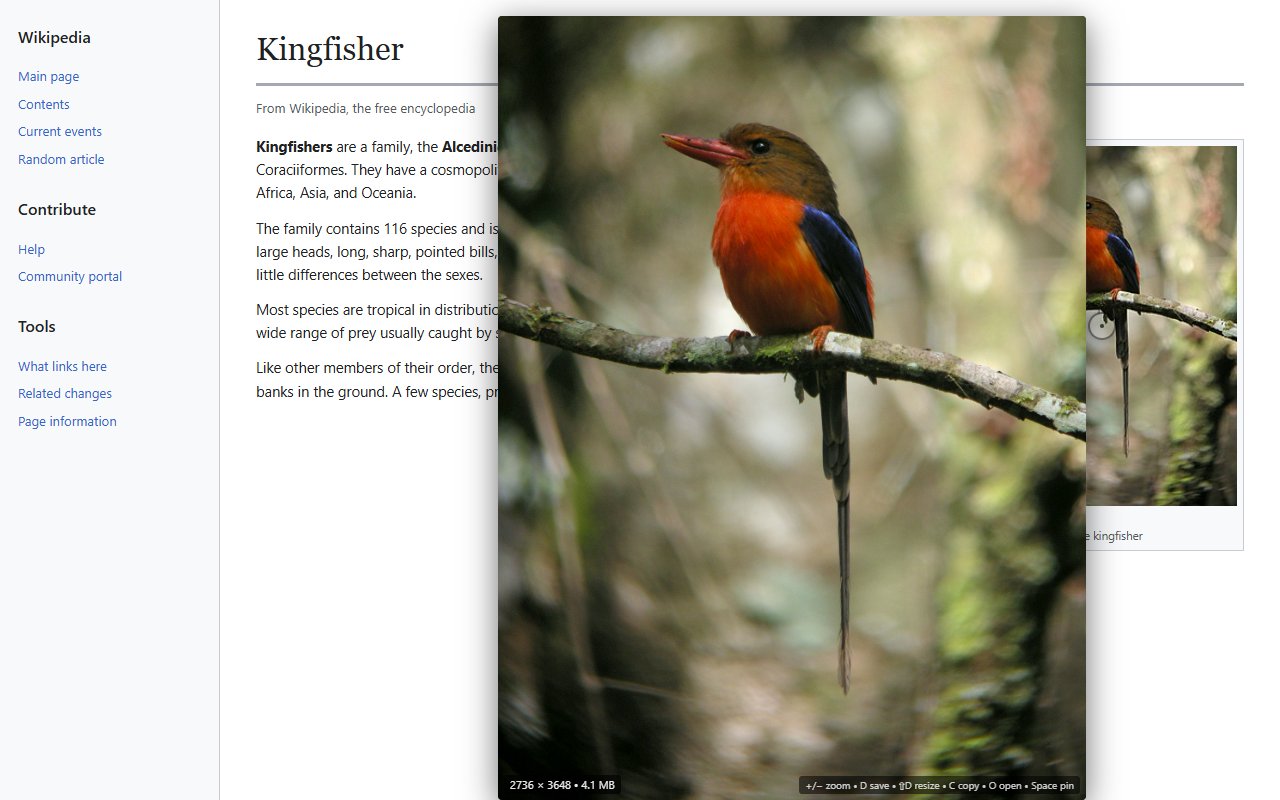
Hover any image → see the full-resolution version with dimensions and byte count
How it works
1
Install
One click from the Chrome Web Store or Firefox Add-ons. No account, no signup.
2
Hover
Move your cursor over any image. After a short delay, the full-resolution version appears.
3
Act
D to download, C to copy, I for EXIF, Space to pin — from the keyboard.
Features
Built for image-heavy workflows — researchers, photographers, designers, anyone tired of clicking through to see a real thumbnail.
Full-res in one hover
Resolves what the page actually has access to
ImgPeek looks past srcset, <picture> sources, data-* lazy-load attributes, and CSS background-image to find the highest-resolution variant. For seventeen common CDNs — Twitter, Reddit, Imgur, Wikimedia, Pinterest, Instagram, YouTube, Twitch, Vimeo, Etsy, Shopify, Notion, Mastodon, ArtStation, Bandcamp, Flickr, plus Discord and DeviantArt — it rewrites thumbnail URLs to their full-size originals automatically.
EXIF · ISO · camera body
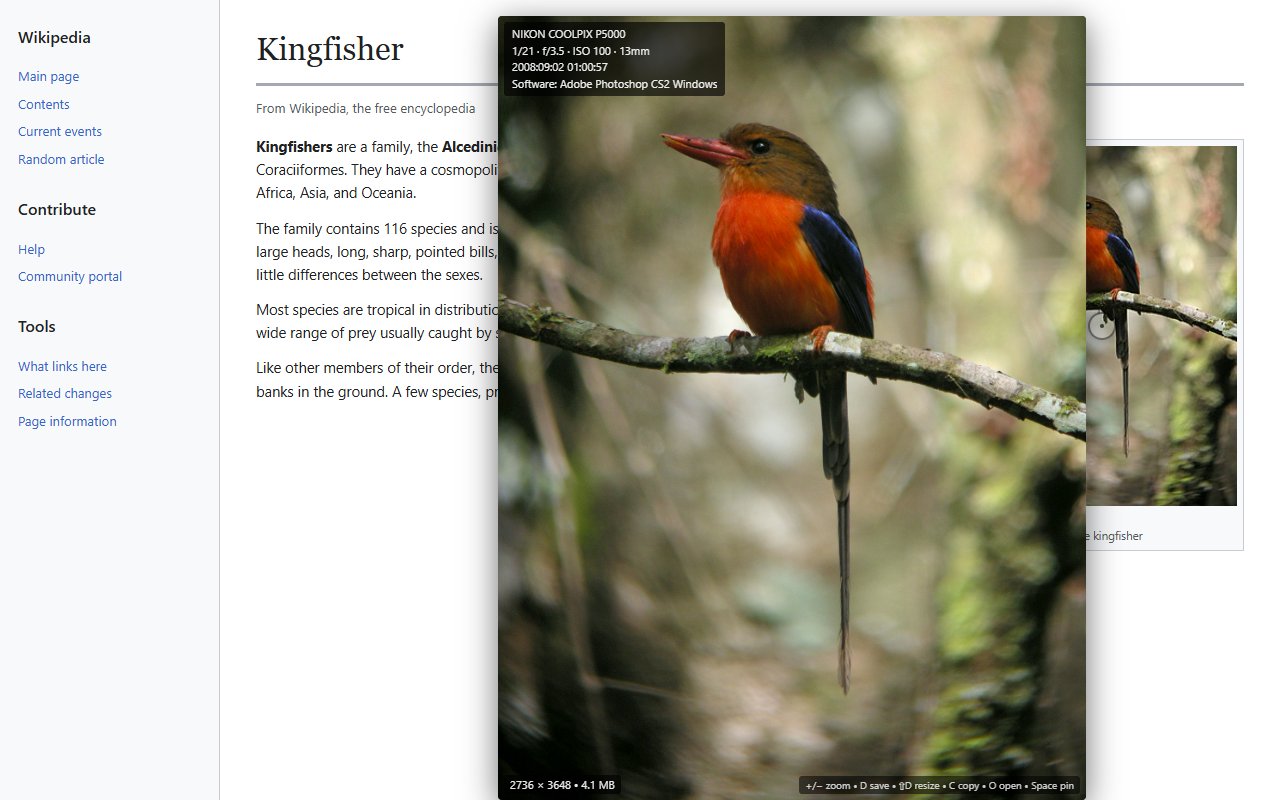
Press I for camera metadata
The EXIF panel shows camera body, lens, exposure (1/250 · f/2.8 · ISO 400 · 50mm), the date the photo was taken, and the software it was processed with (handy for spotting Photoshop or AI tools in the chain). GPS coordinates are hidden by default behind a privacy-aware opt-in.
Keyboard-first · zero tracking
Yours to configure, yours to keep
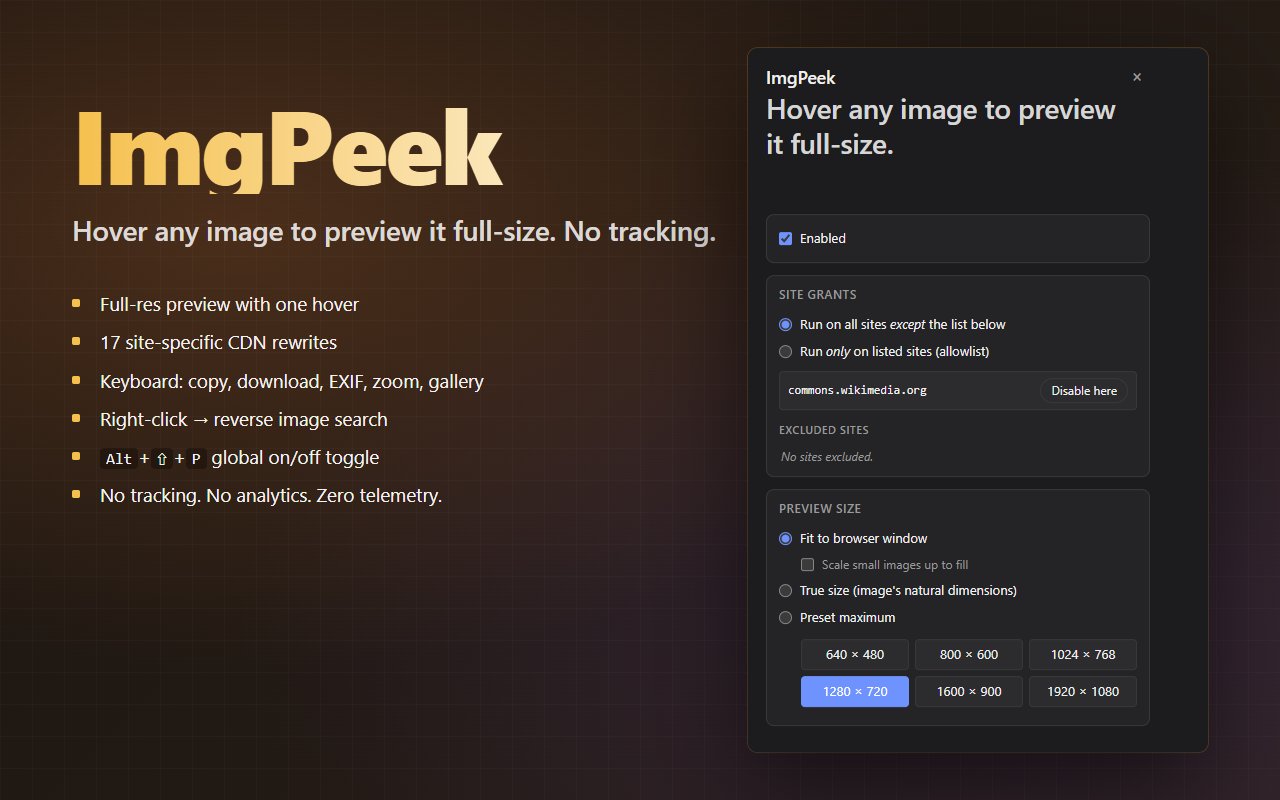
Choose your preview size (fit, true-size, or a preset). Block ImgPeek on specific sites — or flip to allowlist mode and only run it where you want. Paste a JSON array to add your own URL-rewrite rules. All settings live in your browser's sync storage; nothing is sent to any server.
Keyboard shortcuts
+ / - or Ctrl+wheel
Zoom in or out
0
Reset zoom
D
Download the original full-resolution image
⇧+D
Download at the current preview size
C
Copy the image to the clipboard (URL fallback on cross-origin)
Drag the image out to the desktop, another tab, or another app
←→↑↓
Step through neighbouring images in galleries
Esc
Close the preview
Alt+⇧+P
Toggle ImgPeek on/off globally (rebindable)
Custom URL rewrites
ImgPeek covers seventeen CDNs out of the box. For everything else — your own image server, a niche site we haven't mapped, an internal tool — paste a JSON array into the options popup's Custom rules textarea. User rules run before the built-in rules, so they can also override anything ImgPeek does for the seventeen.
Rule schema
Field
Type
Required
Notes
name
string
optional
Human-readable label shown in validation messages. Defaults to "User rule" if omitted.
host
string (regex)
one of host or url
Pattern matched against URL.hostname. Compiled as new RegExp(host). Use ^…$ if you need an exact match (subdomains otherwise match too).
url
string (regex)
one of host or url
Pattern matched against the full URL (URL.href). Useful when the same host serves different image patterns at different paths.
replace
array of [pattern, replacement] pairs
yes
Each pair runs sequentially on the URL string. pattern is compiled as new RegExp(pattern, "g"), so use capture groups ($1, $2, …) in replacement if you need to preserve part of the original.
Validation is live as you type. Bad rules don't kill good rules — the parser reports each error individually and keeps everything that compiled. A rule that doesn't actually change the URL is treated as “not applicable” and the next rule is tried.
Example: WordPress sites (strip size suffix)
WordPress generates photo-300x225.jpg from photo.jpg. Strip the -WxH suffix to get the original:
The built-in Twitter rule rewrites ?name=small to ?name=orig. Want ImgPeek to keep the medium variant instead? Shadow it:
[
  {
    "name": "Twitter — medium instead of orig",
    "host": "^pbs\\.twimg\\.com$",
    "url": "[?&]name=",
    "replace": [["name=(small|large|orig|thumb)", "name=medium"]]
  }
]
Because user rules run first, this fires before the built-in Twitter rule has a chance to.
Frequently asked questions
What does ImgPeek do?
It shows a full-resolution preview of any image you hover over. It looks past srcset, <picture> sources, data-* lazy-load attributes, and CSS background-image to find the highest-resolution variant. For seventeen common CDNs it rewrites thumbnail URLs to their full-size originals.
Does ImgPeek track me?
No. See the privacy policy below. There are no analytics, no telemetry, no remote code, and no third-party SDKs.
How do I download or copy an image I am previewing?
While the preview is on screen: D downloads the original full-resolution image, ⇧+D downloads at the current preview size, C copies the image to your clipboard, and O opens it in a new tab. Press I to toggle an EXIF panel.
Which browsers does ImgPeek support?
Any modern Chromium-based browser (Chrome, Edge, Brave, Arc, Opera, Vivaldi) and Firefox 115 or later. It is built on Manifest V3.
Can I add my own URL rewrites?
Yes. Open the options popup, paste a JSON array of {host, url, replace} rules. Each rule is a regex-driven URL rewrite. User rules run before the built-in rules, so you can override behaviour for any site. The popup validates as you type and shows partial-success errors if a rule is malformed.
What does ImgPeek cost?
It is free. There are no upgrades, no ads, no analytics, and no third-party trackers.
Privacy policy
Last updated: 2026-05-11
ImgPeek is a browser extension that shows full-resolution image previews on hover. We take a minimalist approach to privacy: the extension does not collect, transmit, or sell any personal data.
Data we collect
None. The extension does not collect any personally identifiable information, browsing history, location, IP address, financial information, authentication credentials, web history, or any other category of user data.
Data sent off-device
The extension makes no remote requests to any imgpeek-controlled server, analytics platform, or third party. The only network requests it makes are:
Loading the image you are hovering over (the same request your browser would make if you clicked through to it).
A HEAD request to that image URL to read its Content-Length for the size indicator (e.g. “4.1 MB”) shown in the preview.
A GET request to that image URL when you explicitly press I to read EXIF metadata.
All three target the image URL you are already viewing — not us. They do not include cookies or credentials.
No analytics, telemetry, error reporting, or advertising SDKs are included.
Data stored on your device
The extension stores your preferences (preview size, hover delay, keyboard-shortcut toggles, site allow/block list, custom URL-rewrite rules) in chrome.storage.sync, which syncs across your own browser profile via the browser's built-in sync. Nothing is sent to any imgpeek-controlled server. Short-lived in-memory caches store the most recent file-size HEAD lookups and EXIF parses; they are bounded at 200 entries each and cleared when the tab unloads.
Permissions explained
Permission
Why it is needed
storage
Persist your preferences across sessions and devices.
downloads
Save the previewed image when you press D or ⇧+D.
activeTab
Read the active tab's hostname so the popup can show a one-click “Enable here / Disable here” toggle.
clipboardWrite
Copy the previewed image (or its URL) to your clipboard when you press C.
contextMenus
Add the “Reverse image search” submenu to the right-click menu on images.
<all_urls>
Required because ImgPeek's core feature is hovering any image on any page. The content script attaches mouseover/keydown handlers; it does not read or modify any page content beyond inserting the preview popup and fetching the image URLs you hover over.
If you prefer to restrict ImgPeek to specific sites, the options popup includes an “allowlist” mode that only runs the extension on hosts you list explicitly.
Third parties
We use no third-party services, libraries, analytics platforms, or advertising networks. The extension contains no remote code; all logic is shipped in the extension package and is reviewable in source.
Reverse-image-search submenu
The right-click submenu links to Google Lens, Yandex, TinEye, and SauceNAO. Clicking one of those entries opens that search engine's reverse-image-search page in a new tab with the image URL passed as a query parameter. We do not send any data to those services ourselves — the request is made by your browser when the new tab loads, exactly as if you had typed the URL yourself.
Children
The extension is not directed at children under 13 and does not knowingly collect data from anyone.
Changes
If this policy changes, the updated version will be published here with a new “Last updated” date above and shipped in a new version of the extension.